
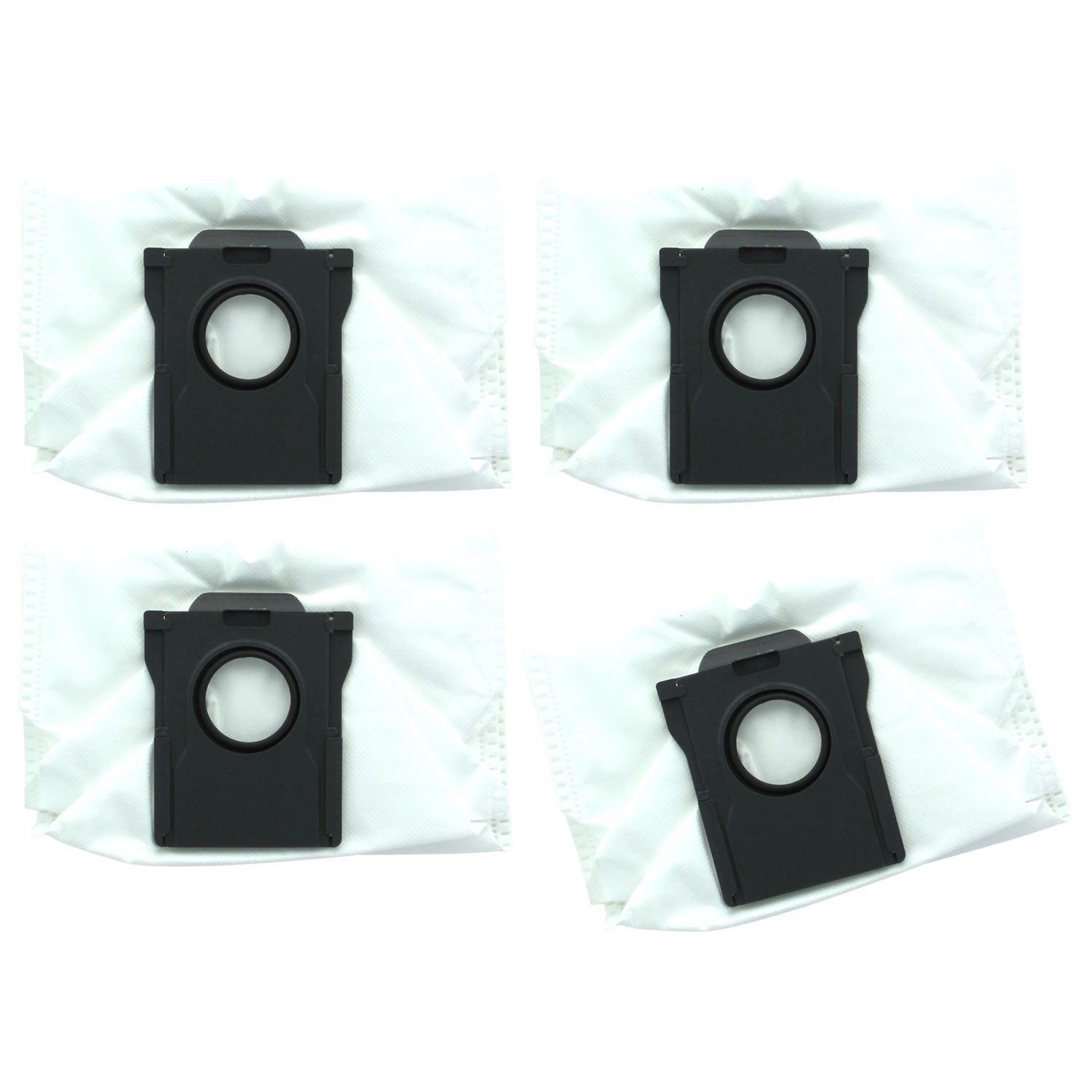
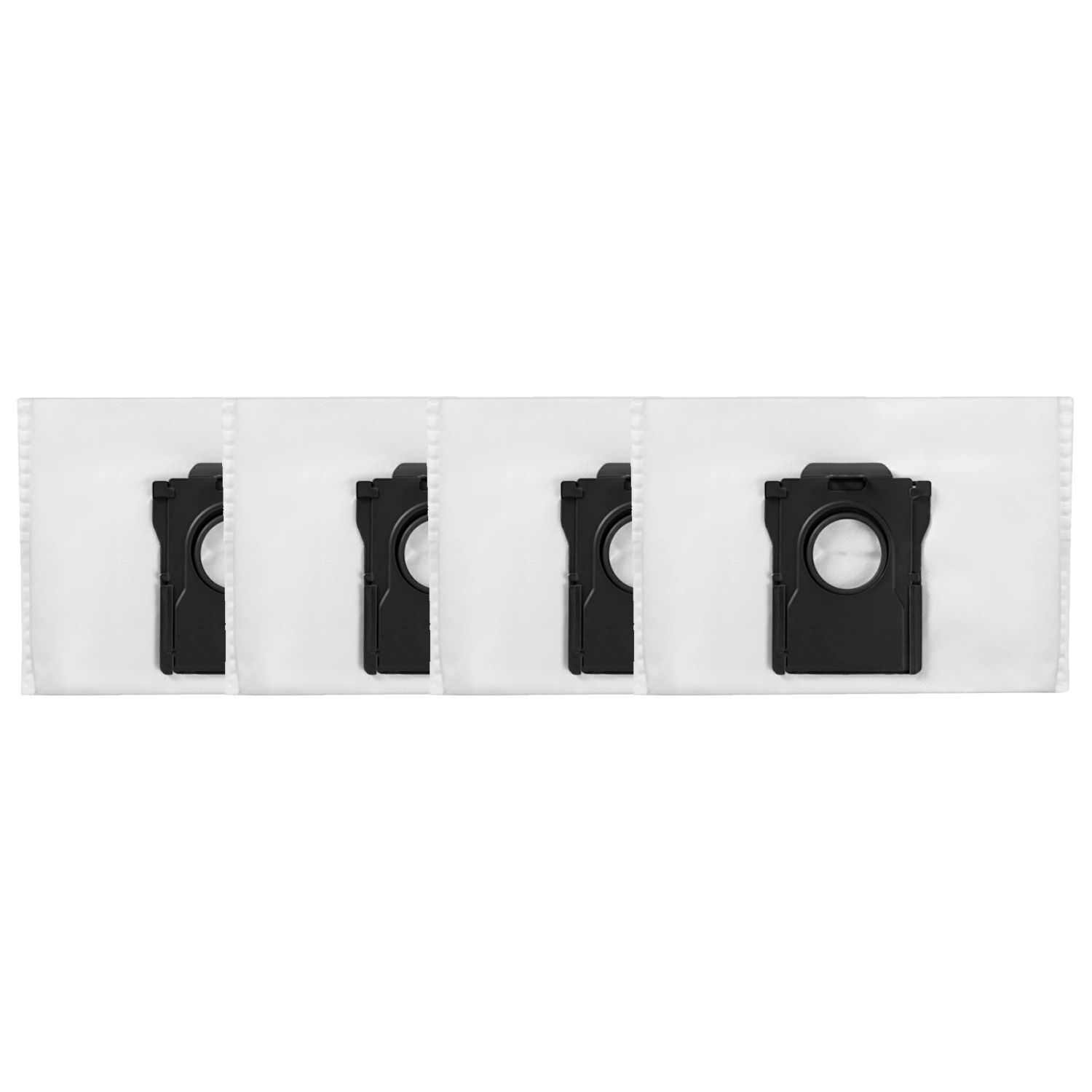
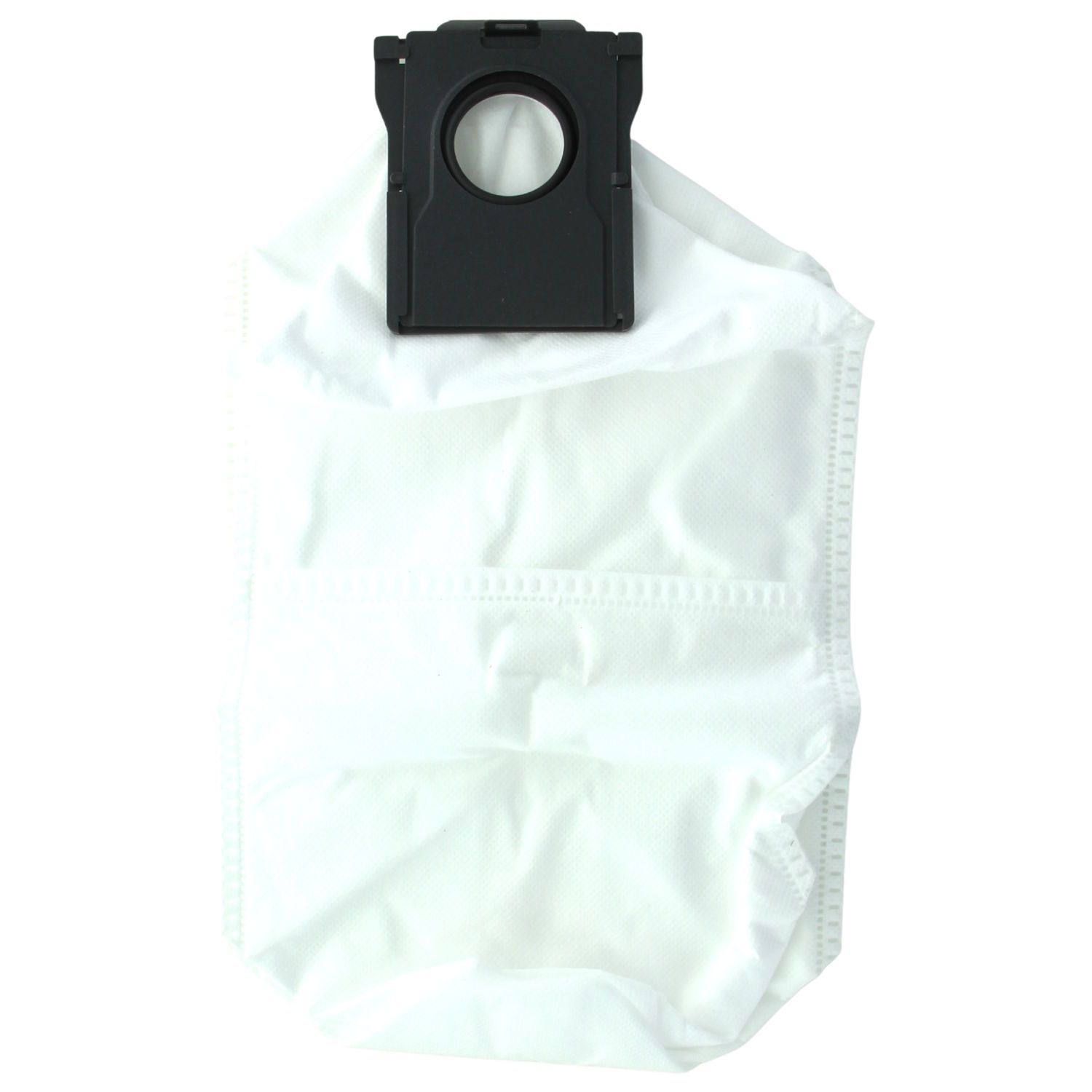

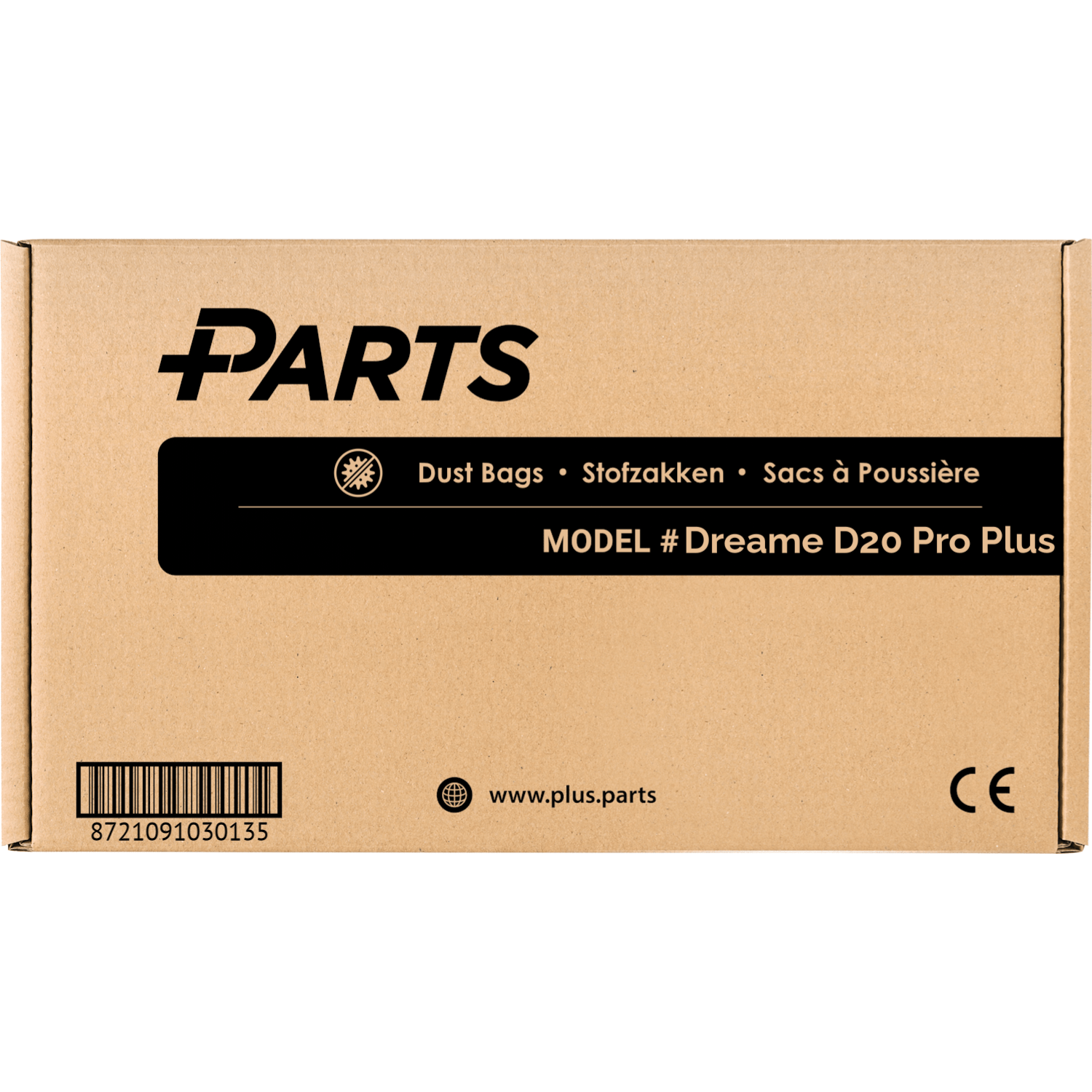
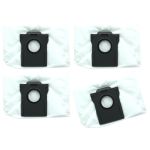
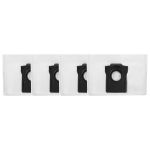
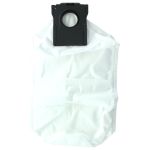
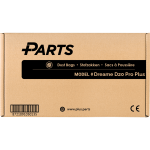
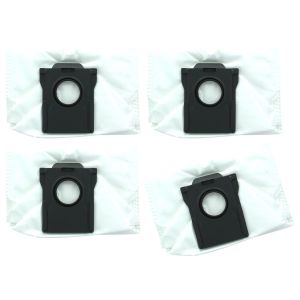
 A pack of 4 dust bags designed specifically for the Dreame D20 Pro Plus robotic cleaner. Each dust bag has a large 5 liter capacity and typically lasts 16 to 20 weeks. All Plus.Parts® dust bags feature a 4 layer filtration system for effective dust capture and reliable leak prevention. A high quality Plus.Parts® alternative to Dreame part number RDB17.
These dust bags are specifically designed for the Dreame D20 Pro Plus robot cleaner. Featuring a 4-layer filtration system, they effectively trap dust and dirt, ensuring nothing escapes. A high-quality Plus.Parts® alternative to Dreame part number RDB17.
How to install the Dreame D20 Pro Plus dust bag?
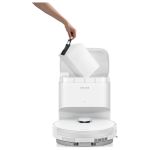
The dust bag in the Dreame D20 Pro Plus is located inside the base station. To replace it, follow these steps:
- Lift the top cover of the base station.
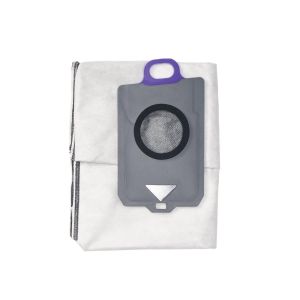
- Pull the plastic tab to remove the old dust bag. The bag seals automatically when removed.
- While the dust bag is removed, wipe away any dust or debris from the filter using a dry cloth.
- Insert the new dust bag, making sure it is properly aligned and securely in place.
- Reinstall the top cover. If it does not close completely, check that the dust bag is fully inserted.
Why choose Plus.Parts® dust bags for your Dreame D20 Pro Plus?
- 4 layers of filtration: One extra layer compared to most dust bags, preventing spillage and improving filtration for better air quality, even when the bag is full.
- Durable, wear-resistant plastic tab: Ensures a long service life and a perfect fit, just like the original dust bags.
- Double hot-melted edges: Prevent the bags from tearing easily, offering robust performance.
- Original capacity: Enjoy the same capacity as the original bag, providing reliable functionality.



Reviews
There are no reviews yet.