

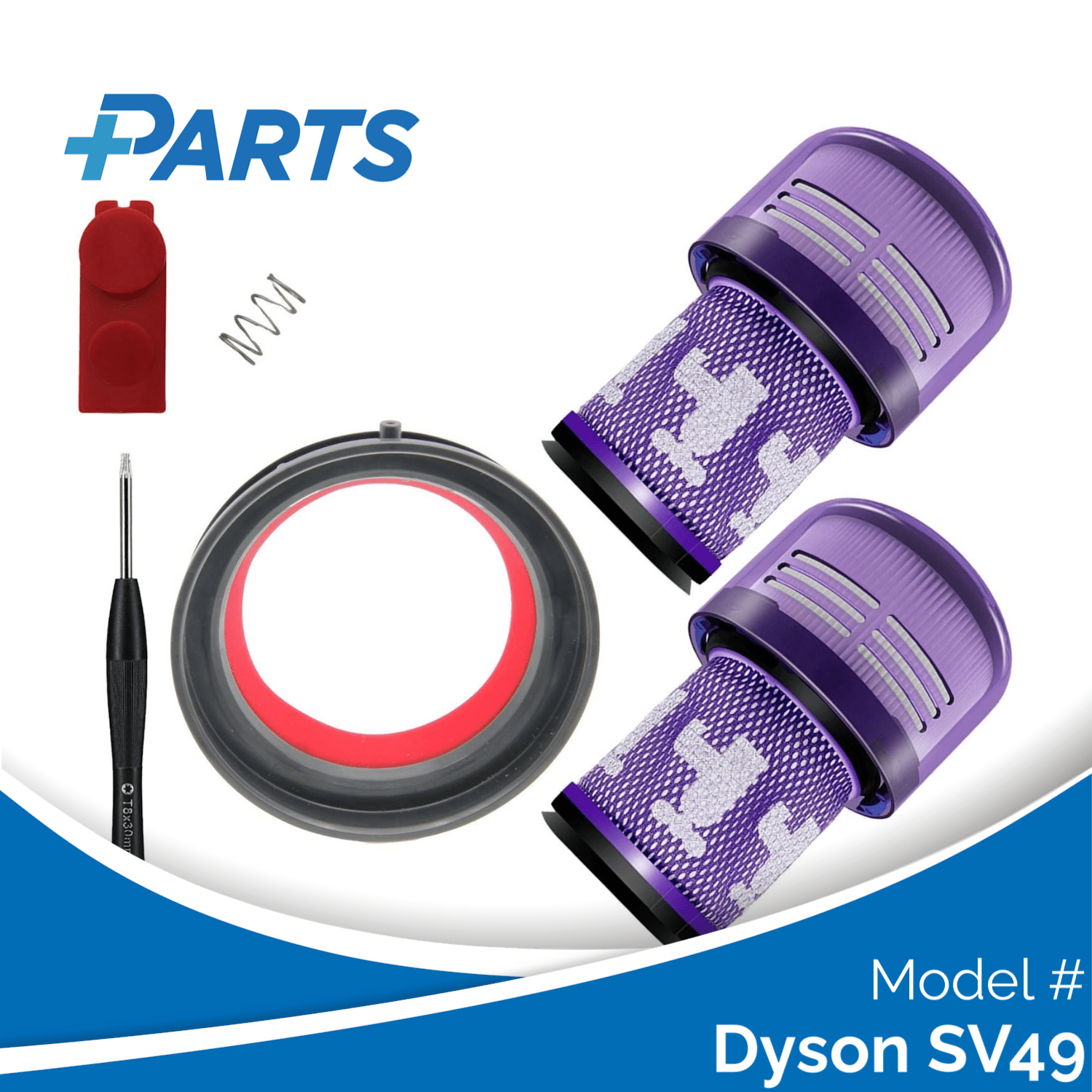





The Dyson SV49 is a regional designation for the V12 Detect Slim platform, carrying the piezo particle sensor and LCD particle graph alongside the same 150 air-watt cyclone and filter shared across the whole V12 range. A flat or zero particle-graph reading during active cleaning is a known issue specific to the Detect Slim range and its regional equivalents including the SV49, and it usually points to an obstruction at the sensor inlet rather than a fault in the sensor itself.
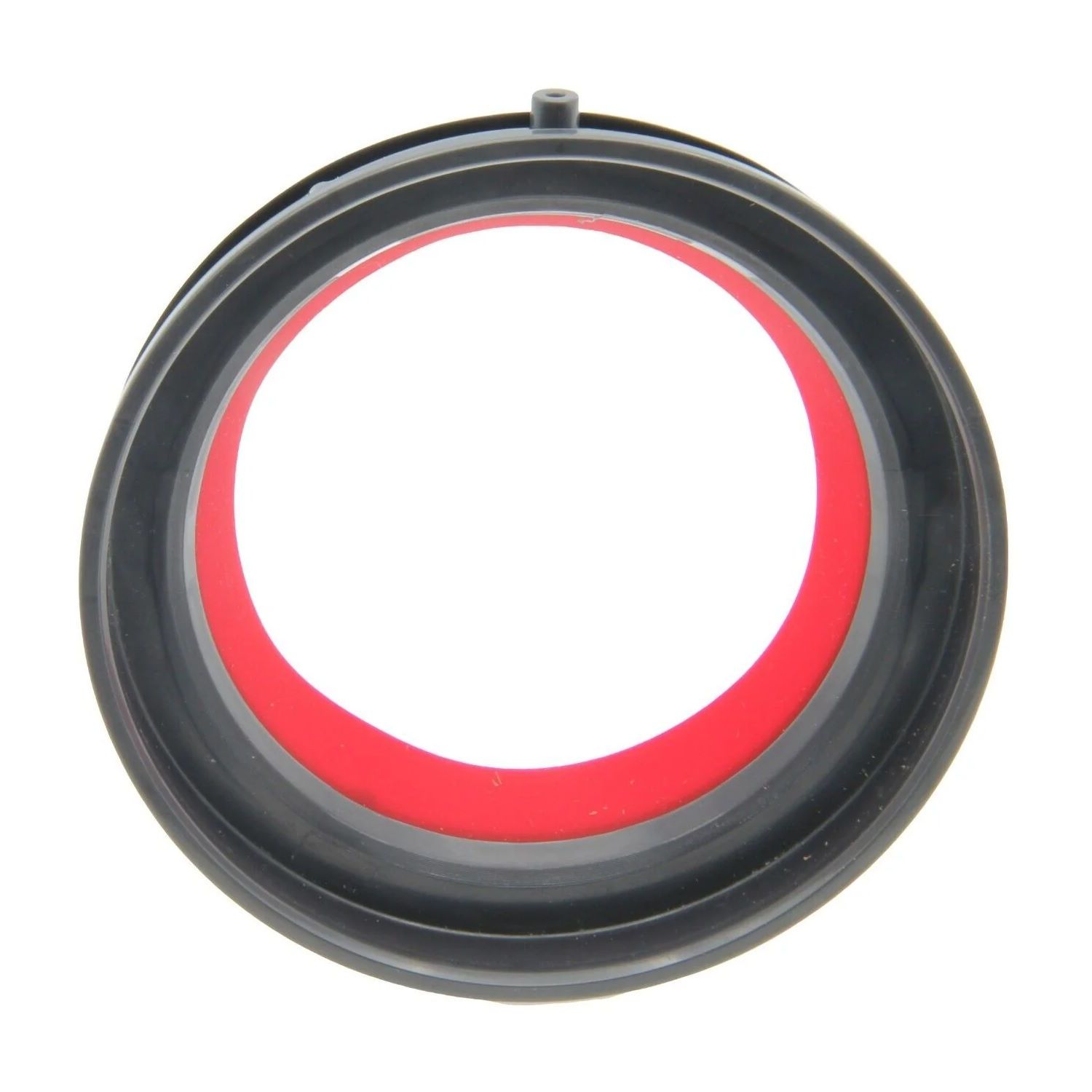
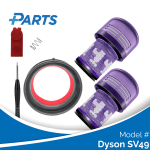
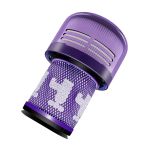
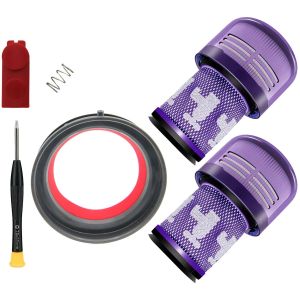
This set covers a Plus.Parts® direct-fit alternative to the original Dyson part: 2 washable HEPA filters, a top seal ring, a quick-release button and a screwdriver – 5 parts. If the particle graph on your SV49 stays flat during cleaning, remove the wand and inspect the inlet port at the top of the main body where the wand connects – fine dust compacted at this junction reduces airflow past the sensor element. Empty the bin, wipe the inlet with a dry cloth, and reattach the wand before retesting; if the graph is still flat with clear airways, check the LCD settings to confirm particle counting has not been switched off. A monthly filter wash, following the same warm-water rinse and 24-hour dry as every other V12 model, remains the best way to prevent the airflow restriction that causes this in the first place.
Behind the set is a real team at VacuumReviews.eu, so if the particle graph on your SV49 stays flat even after checking the wand inlet, get in touch and we can help you work through the remaining possibilities.
At a glance
- Matched to Your Device – Every part is dimensioned for this specific Dyson V12-platform chassis, seating flush without modification.
- Sensor-Inlet Support – Two washable HEPA filters keep airflow clear right up to the piezo sensor, helping the SV49’s particle graph stay responsive during use.
- Responsive Support – VacuumReviews.eu can help diagnose a flat particle graph on the SV49 when the wand inlet and filter are already clear.



Reviews
There are no reviews yet.